
Sub Rosa5.1.7 - App Store
You'll be able to see results in few seconds.
Publisher Description
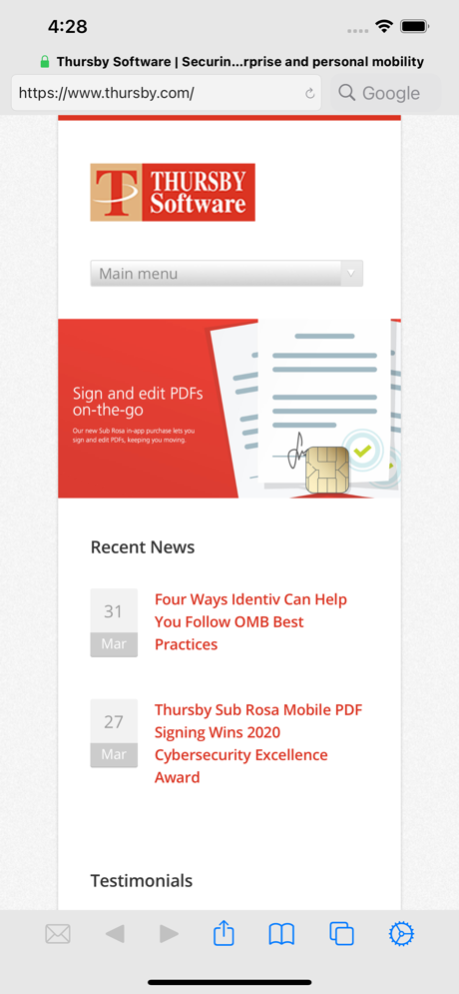
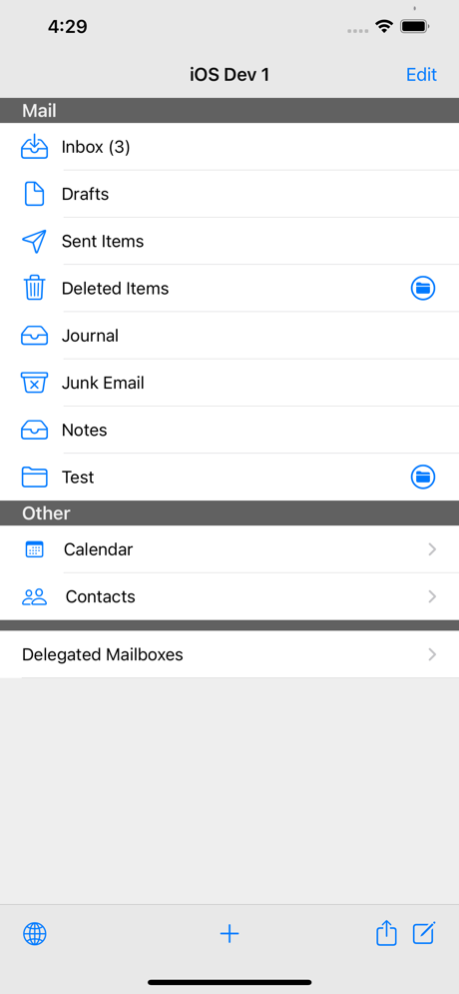
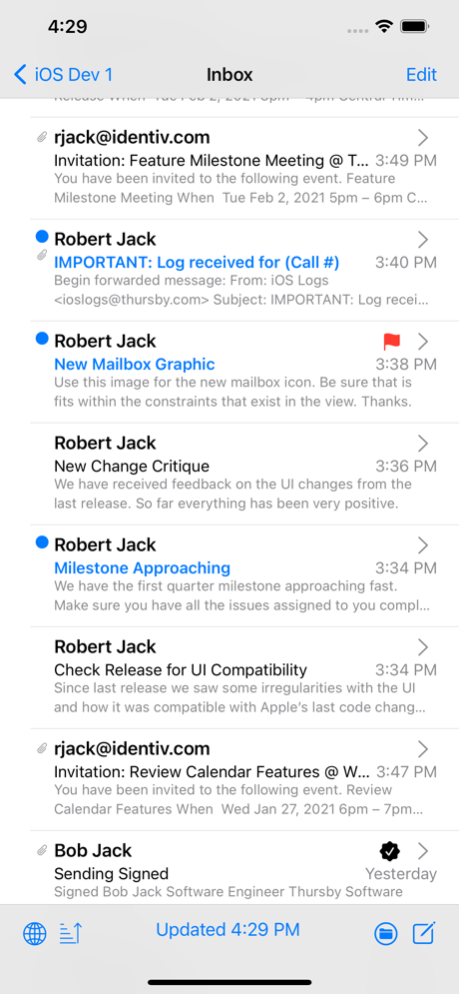
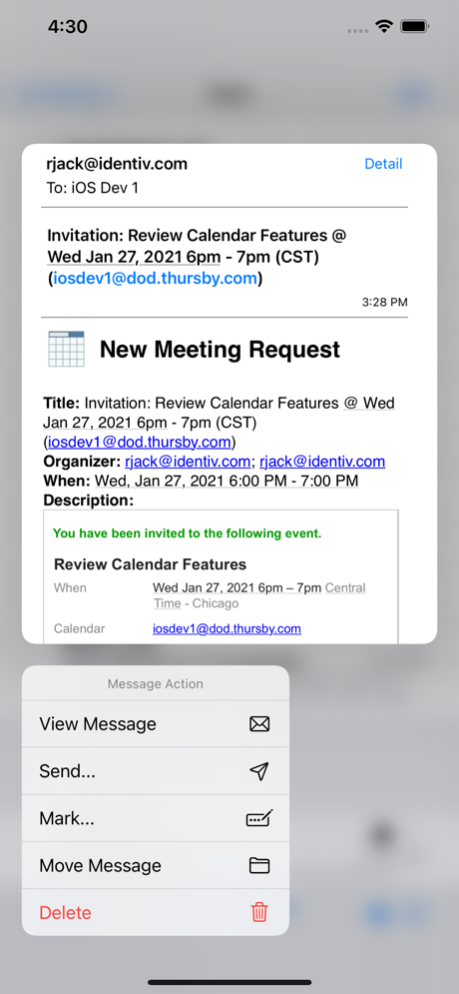
Are you tired of having to take your heavy laptop, tangled charger, and clunky card reader with you on trips? Would you like to be able to quickly read and respond to encrypted emails from home or while on the road?
The U.S. engineered Sub Rosa secure web browser supports web site access from an iPad or iPhone with strong, two-factor authentication using a CAC or PIV. Sub Rosa is the only mobile browser available that allows you to access Defense Travel Systems (DTS), and sign/encrypt/decrypt email through Outlook Web Access (OWA). Full access to calendaring makes managing and coordinating meetings easier than ever.
Sub Rosa is FIPS 140-2 validated and approved under DISA's DoD Mobile App Store.
Web, web email, portal, and collaboration site access are supported, including Microsoft Outlook Web Access (OWA), Defense Travel Systems (DTS), and SharePoint, for example, U.S. Military AKO, NKO, and AF Portals.
Thursby is the market leader in secure Apple Department of Defense (DoD), government, and highly regulated enterprise integration, delivering the security features absent in native Apple and generic enterprise tools. Thursby is US owned, operated, and General Services Administration (GSA) listed, delivering innovative Apple products and services for three decades.
You can find our User Guide here -
http://download.thursby.com/ios/subrosa.pdf
Thursby technical and commercial support is by real people, over the phone and by email from Arlington, Texas. Please contact us via support@thursby.com, sales@thursby.com, or +1 (817) 478-5070.
The Sub Rosa app license is bundled at no additional cost with licensed card readers (Thursby or Identive). To use a Precise Biometrics Tactivo Reader please purchase Sub Rosa Pro.
Sub Rosa supports industry and U.S. Government standards including ISO 7816, NIST IR 6887, HSPD-12, OMB-11-11, FIPS 140-2, and FIPS 201 (with an approved reader). Most popular smart card types are supported including CAC, Dual Persona CAC, PIV, and PIV-I.
** NOTES **
• Subscription based feature allowing PDF and XFA documents to be digitally signed using your smart card
• Sub Rosa's Enhanced OWA Client only supports Microsofts Exchange OWA (2010, 2013, 2016, and Office 365)
• Full support for HTML5 and JavaScript (not the same as Java) standards for cross platform secure web access
• Perceived performance depends on Wi-Fi or cell bandwidth, internet “weather” and back-end data center or cloud infrastructure
• Apple's iOS iPad and iPhone operating system DOES NOT support Adobe Flash, Microsoft ActiveX or Oracle Java (not the same as JavaScript)
• Sub Rosa is an integral part of the Thursby PKard Toolkit secure app development and policy management ecosystem
• The iTunes app is an individual/consumer distribution, custom builds are available for organizations
Apr 9, 2022
Version 5.1.7
General updates and bug fixes. Added support for newer DOD certificates.
About Sub Rosa
The company that develops Sub Rosa is Thursby Software Systems (TSS), Inc.. The latest version released by its developer is 5.1.7.
To install Sub Rosa on your iOS device, just click the green Continue To App button above to start the installation process. The app is listed on our website since 2022-04-09 and was downloaded 0 times. We have already checked if the download link is safe, however for your own protection we recommend that you scan the downloaded app with your antivirus. Your antivirus may detect the Sub Rosa as malware if the download link is broken.
How to install Sub Rosa on your iOS device:
- Click on the Continue To App button on our website. This will redirect you to the App Store.
- Once the Sub Rosa is shown in the iTunes listing of your iOS device, you can start its download and installation. Tap on the GET button to the right of the app to start downloading it.
- If you are not logged-in the iOS appstore app, you'll be prompted for your your Apple ID and/or password.
- After Sub Rosa is downloaded, you'll see an INSTALL button to the right. Tap on it to start the actual installation of the iOS app.
- Once installation is finished you can tap on the OPEN button to start it. Its icon will also be added to your device home screen.
Program Details
System requirements
Download information
Pricing
Version History
version 5.1.7
posted on 2022-04-09
Apr 9, 2022
Version 5.1.7
General updates and bug fixes. Added support for newer DOD certificates.
version 3.0.1
posted on 2012-04-17
Disclaimer
Official App Store Link
We do not host Sub Rosa on our servers. We did not scan it for viruses, adware, spyware or other type of malware. This app is hosted by Apple and passed their terms and conditions to be listed there. We recommend caution when installing it.
The App Store link for Sub Rosa is provided to you by apps112.com without any warranties, representations or guarantees of any kind, so access it at your own risk.
If you have questions regarding this particular app contact the publisher directly. For questions about the functionalities of apps112.com contact us.
